Understanding and Using an OANDA Demo Account: A Practical Guide for New and Experienced Traders
Learn how an OANDA demo account works, what you can practice, and how to set it up. This guide covers key features, setup steps, risk controls, and common mistakes to avoid-plus FAQs to help you move from paper trading to live markets with confidence.
A well-structured practice routine can make the difference between guesswork and a disciplined trading plan. An OANDA demo account offers a simulated environment to test strategies, learn platform tools, and build confidence with virtual funds before risking real money. This guide explains how the demo works, what you can realistically expect, and how to get the most from it-so you can transition to live trading decisions with clearer rules and calmer execution.
What Is an OANDA Demo Account?
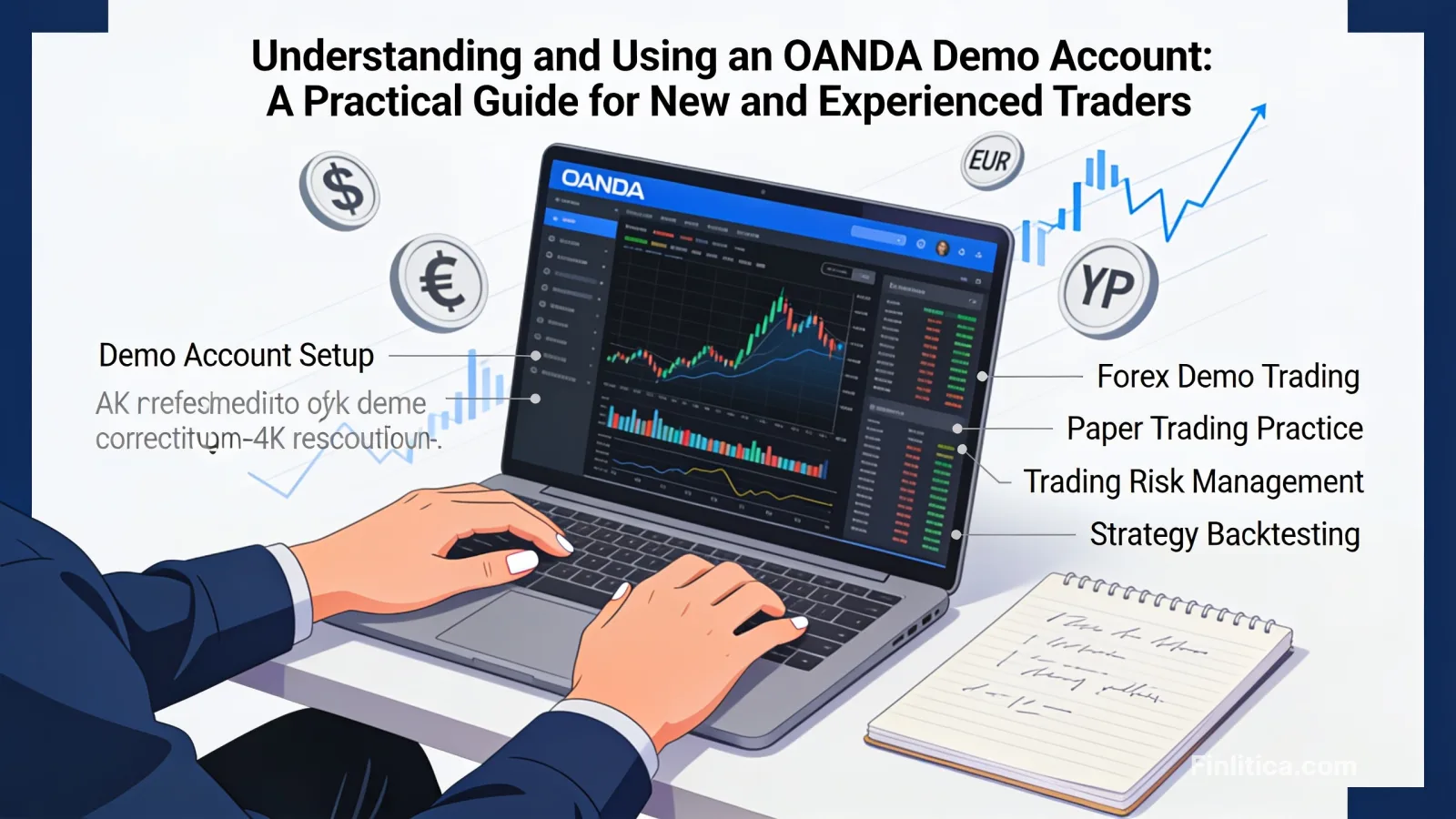
An OANDA demo account is a practice account funded with virtual capital that mirrors live market conditions as closely as practical. You can place simulated orders, explore charting tools, and test risk parameters without financial exposure. While it is not a substitute for real-money experience, it helps you:
- Understand order types, charting, and platform workflows.
- Backtest and forward-test strategies under changing market conditions.
- Practice risk management concepts such as position sizing and stop-loss placement.
- Build a rules-based routine before transitioning to a live account.
Key Features and Platform Tools
Demo functionality is designed to resemble live trading, but with virtual funds. Availability of features can vary by region, account type, and platform updates. Generally, you can expect:
- Real-time or near real-time pricing: Explore markets with timely quotes suitable for practice and workflow testing.
- Order types: Market, limit, stop, and other conditional orders to rehearse entries and exits.
- Charting and indicators: Technical analysis tools to test trend, momentum, and volatility-based approaches.
- Risk parameters: Simulated margin, leverage settings, and position sizing calculators where available.
- Platform choice: Access via OANDA’s proprietary platform and compatibility with popular third-party platforms such as MetaTrader 4, depending on your region and setup.
- Practice across instruments: Major and minor currency pairs and other instruments available on the chosen platform and region.
Setting Up Your Demo: A Step-by-Step Overview
The basic setup is straightforward. Specific prompts and screens may vary by platform and region, but a typical flow looks like this:
- Create an account profile: Provide basic contact details and set secure login credentials.
- Choose platform access: Select the platform you intend to practice on (for example, OANDA’s proprietary platform or a supported third-party platform) and follow the connection prompts.
- Configure initial settings: Confirm base currency, display preferences, and notification settings within the platform environment.
- Fund with virtual capital: Your demo balance will be provisioned with virtual funds. Some platforms allow you to adjust or reset this amount via account settings.
- Explore tools and markets: Load charts, add indicators, and practice placing and managing orders.
Designing a Productive Practice Routine
To get the most value from a demo, treat it like a disciplined training environment:
- Define your goal: Are you learning platform navigation, testing a strategy, or refining risk rules? Target one primary objective per session.
- Create a trading plan: Specify setups, entry criteria, stop-loss logic, profit targets, and invalidation rules. Keep it short and testable.
- Use a risk framework: Predetermine position sizes and maximum daily drawdown for your demo, just as you would on a live account.
- Track results: Log each trade’s rationale, screenshots, and outcome metrics to identify patterns and mistakes.
- Iterate methodically: Change one variable at a time-such as an indicator setting or time frame-so you can isolate effects.
What a Demo Can and Cannot Replicate
Demo environments strive to be realistic, but there are natural limits. Understanding these helps you interpret your results appropriately.
What a Demo Often Replicates Well
- Order workflow: Placing, modifying, and closing trades; setting stops and limits; and using alerts.
- Technical analysis: Chart studies, pattern recognition, and indicator testing.
- Strategy logic: Entry and exit rules tested over different sessions and market regimes.
What a Demo May Not Fully Capture
- Execution frictions: Live spreads, slippage, or partial fills can differ from simulated fills.
- Liquidity and speed: Volatile news events may produce fill outcomes and latencies that are difficult to mirror in a demo.
- Psychology: Decisions with real capital at risk feel different; discipline can change under pressure.
Use these differences to calibrate expectations. A strategy that works in a demo should be revalidated with cautious sizing on a live account to account for execution and behavioral factors.
Risk Management Fundamentals to Practice
Your demo account is an ideal place to make risk management routine rather than optional:
- Position sizing: Base trade size on a percentage of account equity or a fixed monetary risk per trade.
- Stop-loss placement: Choose stops based on market structure (e.g., below support or beyond ATR multiples) rather than a fixed pip count alone.
- Take-profit planning: Predefine risk-to-reward thresholds and scale-out logic, if any.
- Daily risk caps: Set a maximum drawdown or number of losses allowed before pausing.
- Event awareness: Note scheduled economic events that can affect spreads and volatility, and plan accordingly.
Common Mistakes to Avoid
- Overtrading: Treating the demo as a game undermines signal quality and realistic risk habits.
- Ignoring costs: While virtual, factor in typical costs such as spreads to avoid unrealistic performance expectations.
- Strategy hopping: Switching methods too quickly prevents meaningful evaluation.
- Neglecting a journal: Without notes, it’s hard to refine entries, exits, and trade management.
- Skipping review: Failing to review weekly or monthly metrics can hide drawdown risks or regime sensitivity.
From Demo to Live: A Measured Transition
When your rules are clear and results are stable over a representative sample of trades, consider a gradual move:
- Start small: Use conservative size to account for execution differences and emotional factors.
- Replicate routines: Keep the same checklists, timing, and risk controls used in your demo.
- Monitor slippage and spreads: Compare your live fills to demo assumptions and adjust targets or stops as needed.
- Stay patient: Evaluate over a new sample of trades before scaling.
Workflow Tips for Better Practice Sessions
- Pre-market checklist: Identify trend context, key levels, and major calendar events.
- Scenario planning: Outline if-then paths for breakouts, pullbacks, or range conditions.
- Time blocking: Focus on specific sessions that match your strategy (e.g., London open for FX trend-following).
- Post-trade review: Tag each trade by setup quality and market state to compare outcomes fairly.
FAQ: OANDA Demo Account
Does the demo fully match live execution?
No simulation can perfectly match live markets. Pricing, spreads, and slippage in a real account can differ, especially during fast conditions.
Can I reset my virtual balance?
Many demo environments allow balance resets through account or platform settings. Availability and process can vary by platform and region.
What strategies are best to test on a demo?
Any rules-based strategy benefits from demo testing, including trend-following, breakout, or mean-reversion methods. The key is to define clear entry, exit, and risk parameters and track results over a statistically meaningful sample.
Can I connect the demo to third-party platforms?
OANDA’s demo is generally compatible with its proprietary platform and may support connections to popular third-party platforms such as MetaTrader 4, depending on your setup and region.
How long should I stay on a demo before going live?
There is no universal timeline. Consider transitioning when your plan is clearly defined, your results are consistent over a meaningful number of trades, and you have rehearsed risk controls you can follow under pressure.
Will I experience margin calls in a demo?
Margin and leverage behavior in demo mode is simulated for training purposes. Use it to understand how position sizing interacts with risk, but confirm live settings and tolerances before trading real funds.
Does the demo include all instruments?
Instrument availability can vary by region, platform, and account configuration. Check your platform’s instrument list within the demo environment.
Is my personal data secure when creating a demo?
Demo creation typically requires basic contact details. Review and manage your privacy and security settings within your account profile.
Conclusion
An OANDA demo account is a practical way to refine strategy logic, risk management, and platform skills without financial risk. Use it deliberately: set goals, document outcomes, and iterate methodically. When results are consistent and your routine is disciplined, transition to live trading gradually, preserving the same rules and review habits that worked in practice.