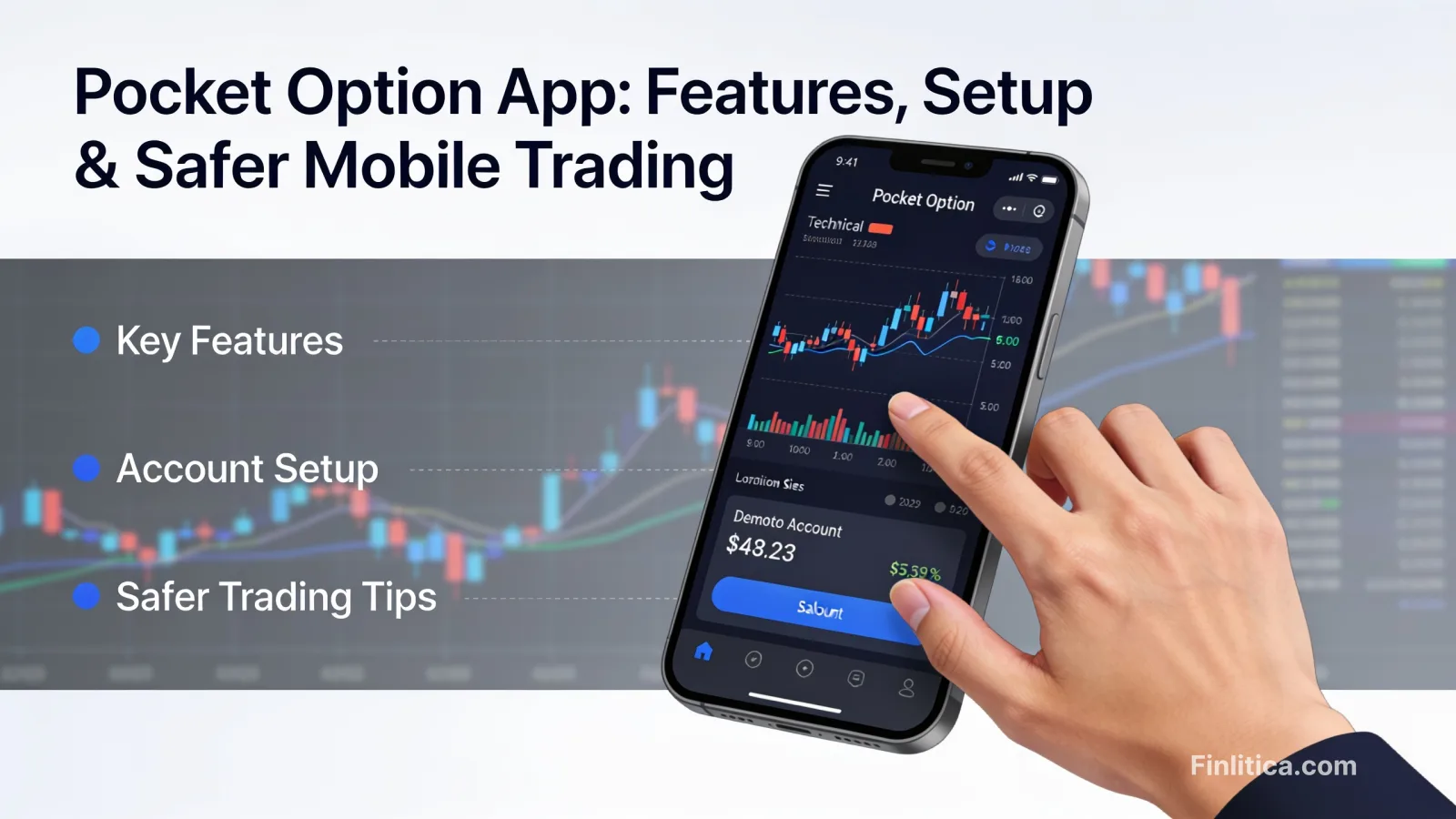
Pocket Option App: Features, Setup, and Practical Tips for Safer Mobile Trading
Explore the Pocket Option app with a clear, non-promotional breakdown of its features, user experience, setup process, risk controls, and best practices. Learn how mobile traders structure watchlists, test strategies with demo modes, and build routines without relying on hype or guarantees.
The Pocket Option app gives traders a streamlined way to monitor markets, place orders, and manage strategies from a phone or tablet. If you prefer to analyze charts and act quickly while away from a desk, a well-organized mobile workflow can be useful. That said, options and short-term trading carry substantial risk and aren’t suitable for everyone. The overview below explains how the Pocket Option app typically works, which features matter for real-world use, and how to approach mobile trading with discipline and risk awareness.
What the Pocket Option App Is Designed to Do
Mobile trading apps focus on quick access, clarity, and timely signals. The Pocket Option app is built to help users monitor instruments, review charts, manage positions, and receive notifications in one place. While specific features can vary by version or region, most users look for three things: dependable execution, readable charts on small screens, and a consistent alert system.
- Streamlined interface: Quick navigation between watchlists, charts, and order panels.
- Charts and indicators: Common technical tools (moving averages, oscillators, drawing tools) presented for mobile.
- Order management: A simplified ticket to place, modify, or close positions.
- Notifications: Price alerts or event prompts to reduce screen time while staying informed.
- Account controls: Settings for security, preferences, and risk parameters.
Getting Started: Setup and First Checks
A careful setup helps minimize mishaps during fast markets. Before placing any live orders, walk through a methodical checklist so the app behaves predictably on your device.
Device and Access
- Keep your device OS up to date to improve stability and security.
- Enable biometric sign-in if available to reduce login friction while maintaining security.
- Test your connection over both Wi‑Fi and mobile data; know your backup network in advance.
App Configuration
- Set quote display (e.g., decimals, time zone) so charts align with your analysis elsewhere.
- Create a focused watchlist with only the instruments you actively track.
- Customize alerts for key levels or times of day; avoid excessive notifications that create noise.
Safety and Permissions
- Review permissions and disable access the app does not genuinely need.
- Turn on two-factor authentication (2FA) where supported.
- Log out on shared or unsecured devices; avoid public Wi‑Fi for account actions when possible.
Interface and Workflows That Reduce Errors
Mobile screens limit real estate, so the way you arrange tools matters. The Pocket Option app typically offers layouts that help you switch between chart, order, and position views quickly.
Charts That Fit a Phone
- Choose one or two timeframes that complement each other (for example, a higher timeframe for trend context and a lower timeframe for entries).
- Limit indicators to the few you rely on; too many overlays shrink usable space.
- Save templates so your preferred setup loads consistently.
Order Entry Discipline
- Read every field on the order ticket; confirm instrument, direction, and size before tapping submit.
- Use a pre-trade checklist: What’s the setup? Where is invalidation? What’s the maximum loss?
- Place risk controls as you enter the trade when the app supports it.
Position Monitoring
- Keep the positions tab visible via quick access to avoid confusion across multiple instruments.
- Set alerts for key levels where you might reassess or reduce exposure.
- Document each trade’s rationale and outcome; many users keep brief notes inside or alongside the app.
Key Features to Evaluate
While specific functionality may evolve, the following pillars help determine whether a mobile trading app meets your needs.
Technical Analysis Toolkit
- Indicators and drawing tools: The essentials should be present and responsive.
- Chart types and timeframes: Candle, line, and bar charts with multiple intervals improve flexibility.
- Layout persistence: Templates that auto-load reduce setup time and errors.
Risk and Account Controls
- Order parameters: Ability to set size and limits in a single step supports discipline.
- Notifications: Custom alerts for prices or events help you avoid constant screen-watching.
- Session security: 2FA, device management, and session timeouts protect account access.
Notifications and Usability
- Silent hours and priority alerts: Prevent alert fatigue and keep focus on critical levels.
- Clear error messages: Helpful prompts reduce confusion in volatile periods.
- Accessibility: Font scaling and contrast options support readability.
Risk Awareness and Common Pitfalls
Short-term and options-style trading can involve rapid gains and losses. It’s easy to confuse a run of luck with a repeatable edge, especially when trading on a phone. Consider these safeguards as general education, not advice tailored to your circumstances.
- Small sizing: Keeping position sizes modest helps prevent large drawdowns from a single mistake.
- Structured routines: Pre-market prep, defined trading windows, and a post-trade review promote consistency.
- Avoid overtrading: Frequent small decisions on mobile can snowball into impulsive behavior.
- Environment matters: Noisy or distracted contexts increase tap errors and misreads.
- Know your region’s rules: Trading-related availability and obligations can differ by location.
Building a Practical Mobile Trading Routine
Consistency often comes from a repeatable process rather than a particular indicator. The Pocket Option app can fit into a structured daily flow so you spend less time reacting and more time executing a plan.
Pre-Session
- Review your watchlist and note key levels from the higher timeframe.
- Confirm alerts are set for those levels to minimize screen time.
- Decide in advance how many trades you’ll allow and the maximum loss limit for the day.
During Session
- Wait for alignment between your higher-timeframe bias and lower-timeframe trigger.
- Enter trades only when your checklist criteria are all met.
- Log the setup, reasoning, and exit plan right after entry.
Post-Session
- Record outcomes, screenshots, and any deviations from plan.
- Tag mistakes by type (late entry, size error, chase, alert missed) to identify patterns.
- Adjust alerts, templates, or risk caps before the next session based on findings.
Demo Modes and Strategy Testing
Many trading apps include a demo or practice environment. A demo can help you learn the Pocket Option app’s interface and test rule-based strategies without risking real funds. Keep in mind that simulated fills and emotions differ from live conditions, so consider a gradual transition and strict sizing when moving from demo to live.
- Test only one variable at a time (indicator, entry filter, exit rule) so results are interpretable.
- Track at least several dozen sample trades per setup before drawing conclusions.
- Note slippage and execution differences you may encounter in live markets.
Security and Account Hygiene
Security is as important as strategy. A compromised device or account can cause losses unrelated to market decisions.
- Strong, unique passwords and 2FA reduce unauthorized access risk.
- Lock your phone with a PIN or biometric and enable remote wipe options.
- Update the app when new versions are released to benefit from security patches.
- Be cautious with notifications shown on a locked screen if they reveal sensitive information.
Pros and Considerations
Every mobile platform involves trade-offs. The value you get from the Pocket Option app depends on how well its features match your process and how disciplined you are in applying them.
- Pros: Portability, fast access to charts and alerts, simplified order flow, and a focused interface.
- Considerations: Smaller screens limit analysis depth; network hiccups can affect timing; the convenience of mobile can encourage impulsive trades if boundaries are unclear.
FAQ: Pocket Option App
Is the Pocket Option app good for beginners?
It can be approachable due to a simplified interface and, in some cases, a demo mode. Beginners should proceed cautiously, learn the interface thoroughly, and practice risk control. Short-term trading is high risk and not suitable for everyone.
What features should I look for first?
Clear charting, a reliable order ticket, customizable alerts, and account security settings. Consistency in layout and saved templates also helps reduce errors.
Can I rely solely on phone charts?
Some traders do, but many prefer to develop ideas on larger screens and use the app for monitoring and execution. Smaller screens can obscure context, so keep your chart setup simple and intentional.
How do I reduce mistakes when placing trades?
Use a short checklist: verify instrument, direction, size, and risk parameters before submitting. Avoid trading in distracting environments and set alerts to avoid rushed entries.
What about notifications?
Alerts help you step away from the screen. Keep them targeted-key price levels, session opens, or conditions tied to your strategy. Too many alerts can lead to noise and impulsive decisions.
Does a demo mode reflect live results?
Not exactly. Demo fills and emotions differ from live markets. Use demos to learn the interface and test rules, then transition gradually with conservative sizing if you continue.
Are there regional or regulatory considerations?
Availability and obligations can differ by location. Review applicable rules in your region before trading and understand the risks involved.
Conclusion
The Pocket Option app offers a compact environment for charts, alerts, and order management on the go. Its usefulness depends less on any single feature and more on how consistently you apply a structured routine, limit distractions, and manage risk. Start with careful setup, keep your workflow simple, and document results. If you decide to trade, approach it deliberately and be mindful that short-term strategies involve significant risk and may not suit your financial situation or goals.