DEGIRO App: Features, Security, and Practical Tips for Smarter Mobile Investing
Explore the DEGIRO app with a clear look at features, security, fees visibility, and practical tips. Learn how to navigate tools, order types, alerts, and portfolio tracking, plus FAQs to help you get started confidently.
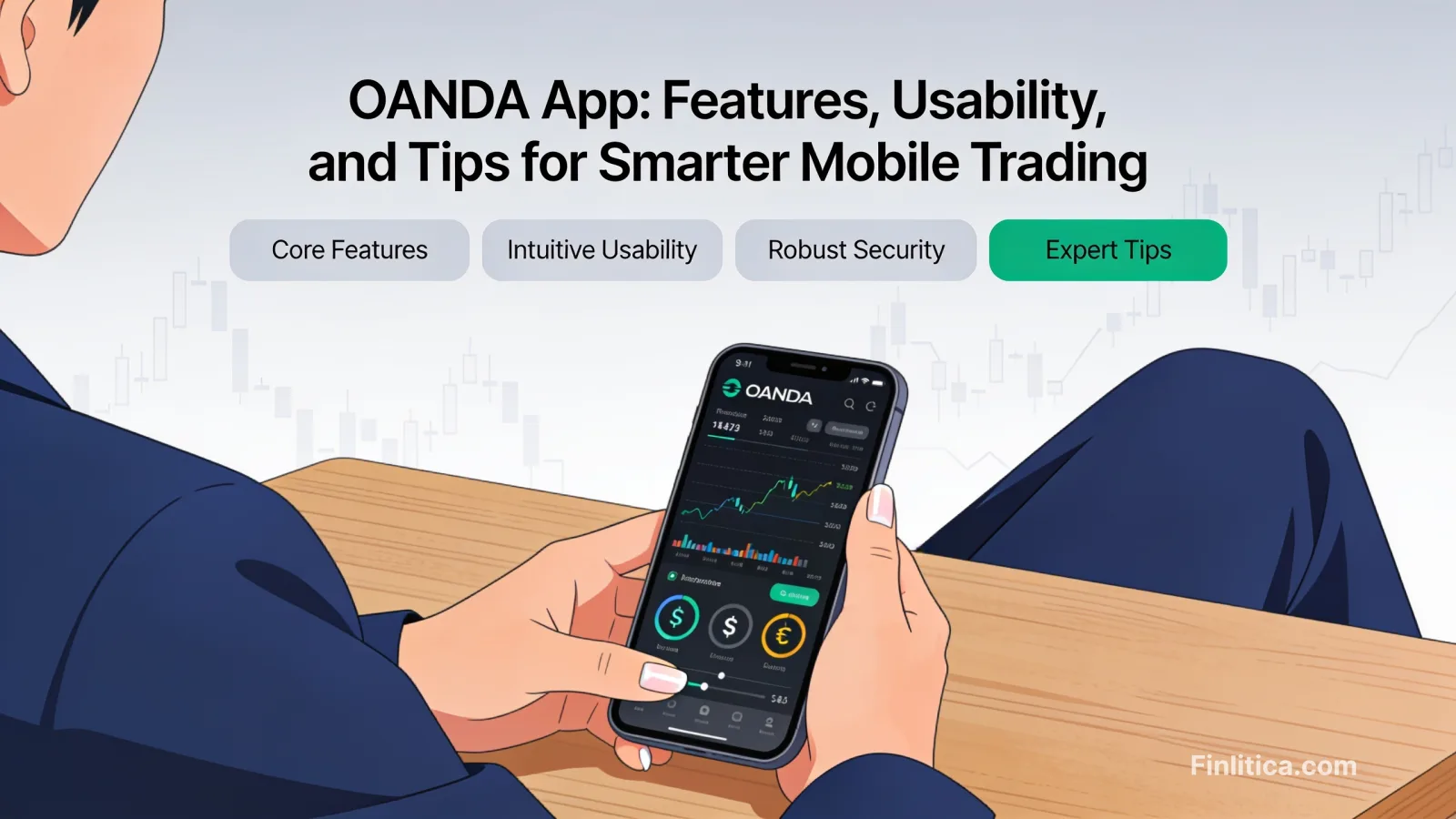
The DEGIRO app brings core brokerage capabilities to your phone, helping you research, place orders, and monitor your portfolio wherever you are. If you prefer a streamlined, data-focused interface over flashier dashboards, this mobile experience aims to keep you on task: finding instruments, choosing order types, and tracking positions. While any trading or investing app should be used with care, the DEGIRO app can fit into a disciplined workflow thanks to straightforward navigation, configurable alerts, and transparent in-app fee displays. This guide explains how it works, what to expect from its features, and practical ways to use it responsibly.
What the DEGIRO App Is and Who It’s For
The DEGIRO app is a mobile interface for placing trades, overseeing positions, and reviewing account activity. Its design leans toward efficiency: instrument search, watchlists, order tickets, and portfolio views are arranged for quick access. It suits users who value a clear path from discovery to decision, rather than highly social or gamified experiences.
Who it may suit:
- Long-term investors who mainly need watchlists, portfolio tracking, and occasional orders.
- Active users who want fast order entry, multiple order types, and timely notifications.
- Cost-conscious investors who appreciate seeing estimated costs and charges before submitting orders.
- Users who prefer mobile-first portfolio checks with the option to manage more detailed tasks on desktop when needed.
Key Features and Tools
Account Setup and Verification
Account creation generally involves submitting personal details, verifying identity, and completing questionnaires required for regulatory purposes. The app guides you through steps such as linking a bank account and acknowledging key disclosures. Expect to provide standard documentation and allow time for verification before trading.
Market Access and Instruments
The app’s search function helps you locate instruments by name, ticker, or category. You can add items to watchlists and tap into basic overviews such as price, daily change, and market details. Availability of markets and products can depend on your location, account type, and regulatory permissions, so always check what’s enabled in your account before planning a strategy.
Order Types and Execution
Order tickets typically support a range of instructions designed to control price and execution behavior. Common examples include:
- Market orders: Aim for immediate execution at the best available price.
- Limit orders: Set a specific maximum purchase or minimum sale price.
- Stop and stop-limit orders: Trigger orders once the market reaches a defined level, with optional price limits.
- Time-in-force parameters: Choose how long orders remain active (for example, day-only or good-till-canceled, when available).
Because market conditions can change quickly, review the order summary carefully before submitting. The app typically shows an estimated cost breakdown and order details, which can help you confirm your intent.
Portfolio Tracking and Reporting
The portfolio view surfaces positions, allocation snapshots, and performance over selectable periods. You can drill into individual holdings to see transaction history and basic metrics such as average purchase price. Activity logs help you reconcile executed trades, pending orders, dividends, and corporate actions, where supported.
Research and Data
Core data includes live or delayed quotes (depending on venue and entitlements), charts with adjustable timeframes, and fundamental figures where available. Some datasets may vary by instrument and market. If you need deeper analysis, consider complementing the app’s data with independent sources and your own research notes.
Notifications and Alerts
Price alerts and order notifications can keep you informed without constant screen time. Configure alerts on watchlist items or portfolio holdings, and review device notification permissions so you receive timely updates. As with any alert system, it’s wise to set levels aligned with your plan rather than reacting to every minor move.
User Experience and Design
The interface is built around a few core tabs: search, watchlists, portfolio, orders, and account. Navigation favors clarity over complexity, reducing taps from discovery to trade. Load times and responsiveness may vary with device performance and network conditions, but the app generally emphasizes a lean, functional layout suitable for frequent checks.
Customization and Watchlists
Create multiple watchlists to segment ideas by theme, region, or strategy. Reorder instruments, rename lists, and remove items as your focus changes. This structure helps you keep related markets and instruments grouped, minimizing distraction when conditions shift.
Accessibility Considerations
Font scaling, contrast, and touch targets are important for mobile comfort. Explore the app and your device’s accessibility settings to optimize readability and reduce strain during active sessions.
Security and Account Protections
Security practices work best as a shared responsibility between provider and user. Within the DEGIRO app, you can typically enable multi-factor authentication, set a strong passcode or biometric lock, and manage logged-in devices. Consider the following habits:
- Enable biometrics where supported and keep your device OS updated.
- Review login history and active sessions periodically.
- Use unique, strong passwords and avoid reusing credentials across services.
- Be cautious with public Wi‑Fi and shared devices; log out when finished.
Data privacy and encryption practices generally aim to protect information in transit and at rest, but no mobile environment is entirely risk-free. Staying current with app updates and security notices is a practical step toward maintaining protection.
Costs and Pricing Overview
Brokerage costs can include commissions, exchange or venue fees, currency conversion charges on non‑base currency trades, and various regulatory or third‑party costs. The DEGIRO app typically displays an estimated breakdown before you confirm an order, which helps you understand the total expected cost. Actual charges may differ from estimates due to market conditions, final execution details, or venue-specific adjustments.
Good habits for cost awareness:
- Review the pre-trade cost estimate on every order ticket.
- Check executed trade confirmations to compare estimates with actuals.
- Consider how order type, size, venue, and currency can affect total costs.
- Be mindful of recurring charges (for example, market data options) if you opt into them.
Pros and Limitations
Potential Advantages
- Streamlined interface focused on order entry, watchlists, and portfolio oversight.
- In-app display of estimated costs for better pre-trade clarity.
- Multiple order types and alerting tools for disciplined execution.
- Mobile convenience for monitoring markets and positions on the go.
Potential Limitations
- Depth of research and advanced analytics may be lighter than specialized platforms.
- Market availability, data entitlements, and product access can vary by region and account settings.
- Mobile screens limit how much information you can view at once compared with desktop.
- Notifications can encourage over-monitoring if not configured thoughtfully.
How to Get Started
Getting started usually involves a few steps. These may vary by region and regulatory requirements, so treat the following as a general outline:
- Download and install the app from your device’s official app store.
- Register or log in to your existing account.
- Complete identity verification and any required questionnaires.
- Link a bank account consistent with the broker’s requirements.
- Review disclosures and preferences, including security and notifications.
- Fund your account, then explore watchlists and the order ticket in a low‑risk, deliberate way. >
Before placing your first order, practice navigating between search, the instrument page, the order ticket, and the cost preview. This rehearsal reduces the chance of errors when markets are moving.
Best Practices for Using the App Responsibly
- Define your objectives and time horizon, and document them outside the app for clarity.
- Use alerts to reduce screen time rather than to chase every intraday move.
- Double-check order type, quantity, currency, and time-in-force before submission.
- Keep notes on trade rationale and post‑trade reflections to improve consistency.
- Review positions periodically rather than reacting to noise.
- Maintain up-to-date contact information and security settings.
Alternatives and Complements
While the DEGIRO app covers key tasks, some users supplement it with desktop platforms for deeper analysis, independent research tools for valuations and screeners, or budgeting apps for holistic financial tracking. Comparing platforms based on product access, costs, research depth, and usability can help you assemble a toolkit that fits your process.
FAQ
Is the DEGIRO app safe to use?
The app incorporates common security measures such as secure logins and optional multi-factor authentication. Users strengthen security by enabling biometrics, using strong unique passwords, keeping devices updated, and reviewing active sessions regularly.
What markets and products can I access?
Access depends on your region, account configuration, and applicable regulations. Check instrument availability in the app’s search and instrument pages to confirm what is enabled for your account.
Can beginners use the app?
Yes, but beginners should take time to learn how order types work, how costs are displayed, and how to read confirmations. Start with small, carefully considered actions and build familiarity before increasing complexity.
How are fees shown?
Before submitting an order, the ticket typically displays an estimated cost breakdown. After execution, confirmations and account activity provide the actual costs, which may differ slightly from estimates.
Does the app have a demo or paper trading?
Availability of simulation features can vary. If a demo mode is not available, consider practicing by exploring order tickets without submitting and using small trade sizes to learn the workflow.
How quickly are quotes updated?
Quote speed and data type (live or delayed) can depend on the market, entitlements, and your settings. Check the instrument page for indications of data status.
How do I contact support?
Support options vary by region and time zone. Within the app, look for a help or support section to view available channels and hours.
Conclusion
The DEGIRO app focuses on delivering essential trading and investing functions in a lean, mobile-first package. Its strengths include straightforward navigation, configurable alerts, and pre-trade cost visibility. While it may not replace advanced research platforms, it fits neatly into a practical workflow: monitor watchlists, confirm order details, review costs, and track positions. By combining deliberate habits with the app’s built-in tools, you can streamline routine tasks and keep your process both informed and controlled.